> ## Documentation Index
> Fetch the complete documentation index at: https://docs.withrealm.com/llms.txt
> Use this file to discover all available pages before exploring further.
# Tips for power users
> Keyboard shortcuts and power user features in Realm
### Keyboard shortcuts
| Shortcut | Action |
| --------------------- | -------------------------------------------------------------------------------------------- |
| `@` | Universal shortcut for enhancing queries. Switch between Agents or reference specific files. |
| `Cmd+K` (or `Ctrl+K`) | Navigate to Chat view from anywhere in the app |
| `Cmd+J` (or `Ctrl+J`) | Navigate to Search view from anywhere in the app |
| `Esc` | Cancel a response that is being generated |
| Arrow keys | Navigate between cells in RFP table |
### Pin favorite agents
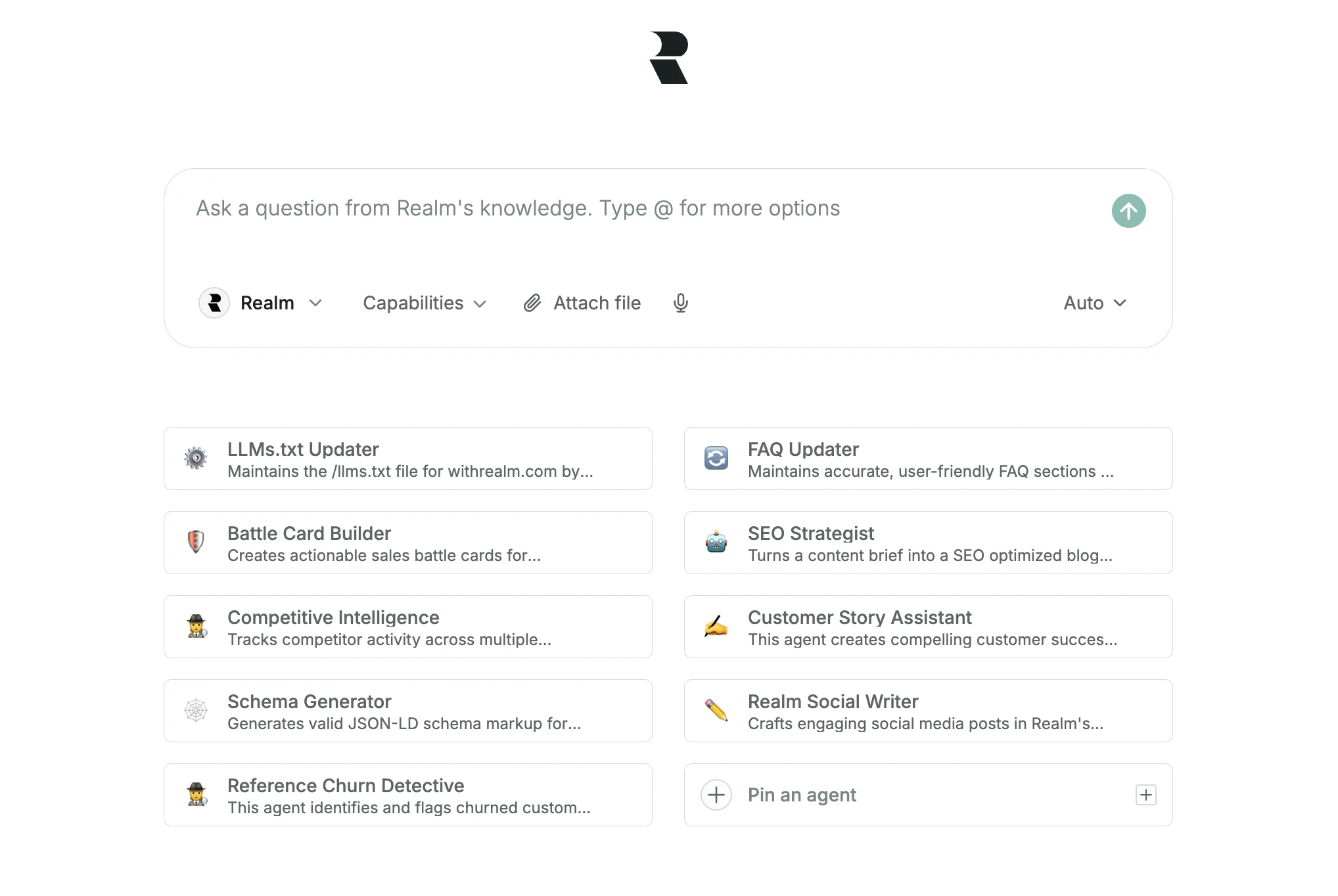 To keep your most important agents within easy reach, you can pin up to eight of them directly on the home page.
### Browser extension
To keep your most important agents within easy reach, you can pin up to eight of them directly on the home page.
### Browser extension
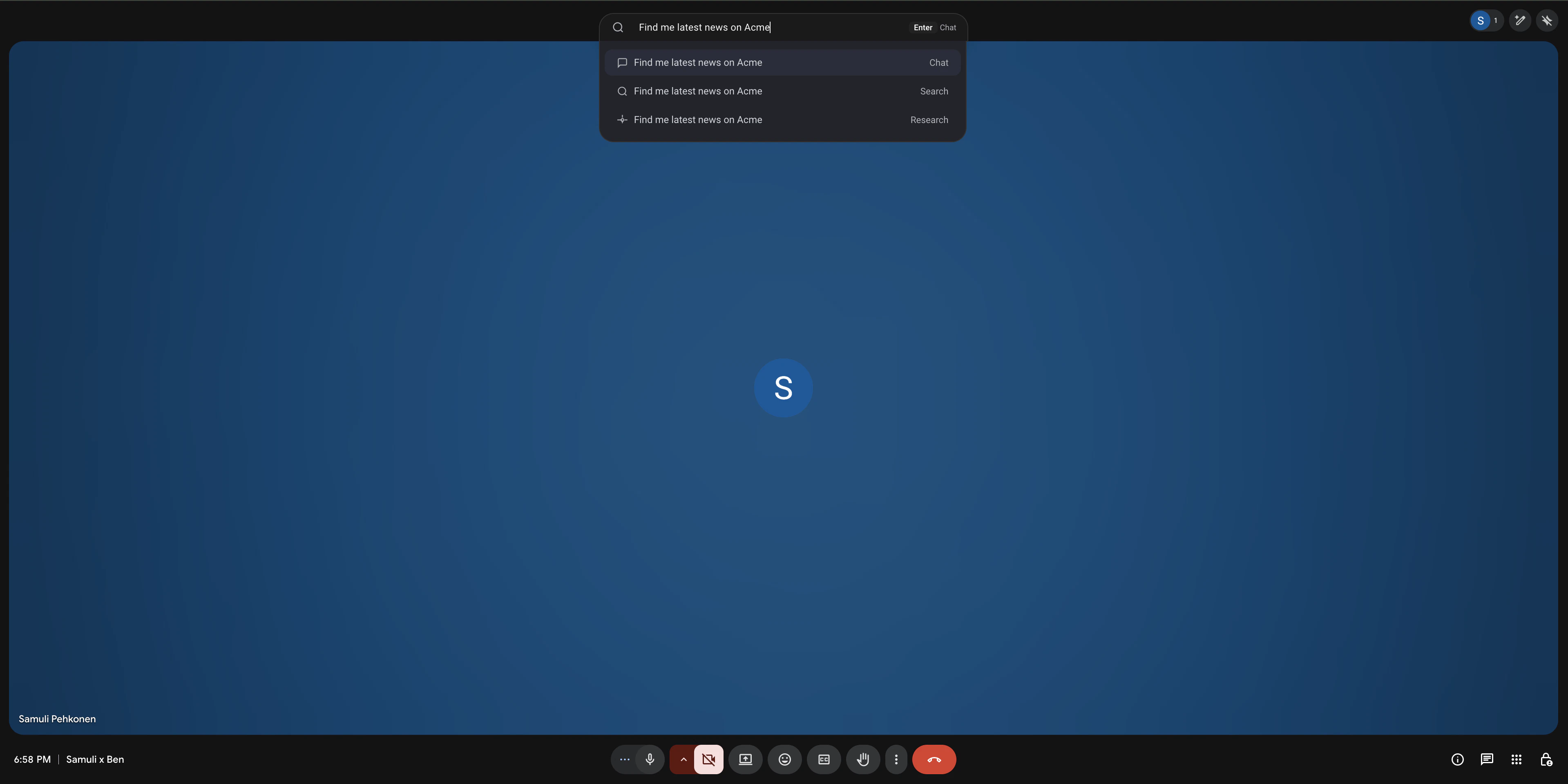 The Realm browser extension works directly in your browser, enabling access to Chat and Search.
* **Keyboard shortcut**: Default shortcut is `Cmd+Shift+K` (or `Ctrl+Shift+K`)
* **Address bar shortcut**: Type `r` into your browser's address bar, press Tab or Space, and type your query
### Installing the desktop application
You can install Realm as a Progressive Web App (PWA) from the Help & Feedback menu in the bottom-left corner. This gives you a more seamless, app-like experience on both desktop and mobile. Once installed, you can launch Realm directly from your dock or home screen and use it in a dedicated window.
The Realm browser extension works directly in your browser, enabling access to Chat and Search.
* **Keyboard shortcut**: Default shortcut is `Cmd+Shift+K` (or `Ctrl+Shift+K`)
* **Address bar shortcut**: Type `r` into your browser's address bar, press Tab or Space, and type your query
### Installing the desktop application
You can install Realm as a Progressive Web App (PWA) from the Help & Feedback menu in the bottom-left corner. This gives you a more seamless, app-like experience on both desktop and mobile. Once installed, you can launch Realm directly from your dock or home screen and use it in a dedicated window.